+
Choose the challenge
Explore six arithmetic question types. Adjust the range, carrying, borrowing, times tables, and question count.
A calm place for everyday arithmetic. Set the right challenge, practice together, or take a fresh page to the kitchen table.
View in Microsoft Store → A PAGE OF POSSIBILITY
Focused screen practice, pages for the kitchen table, and a clear view of recent progress. These screens use example learner records.
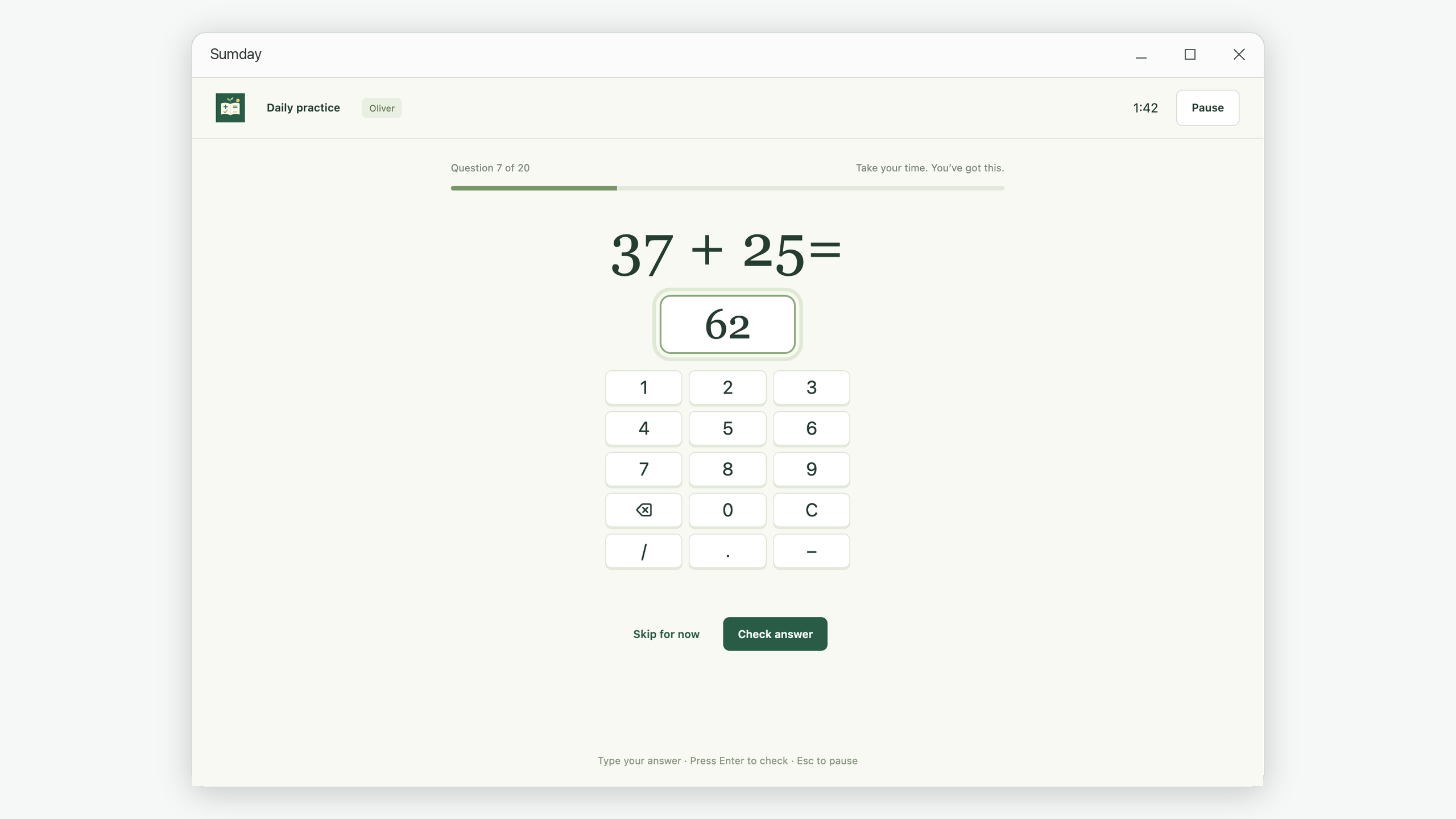
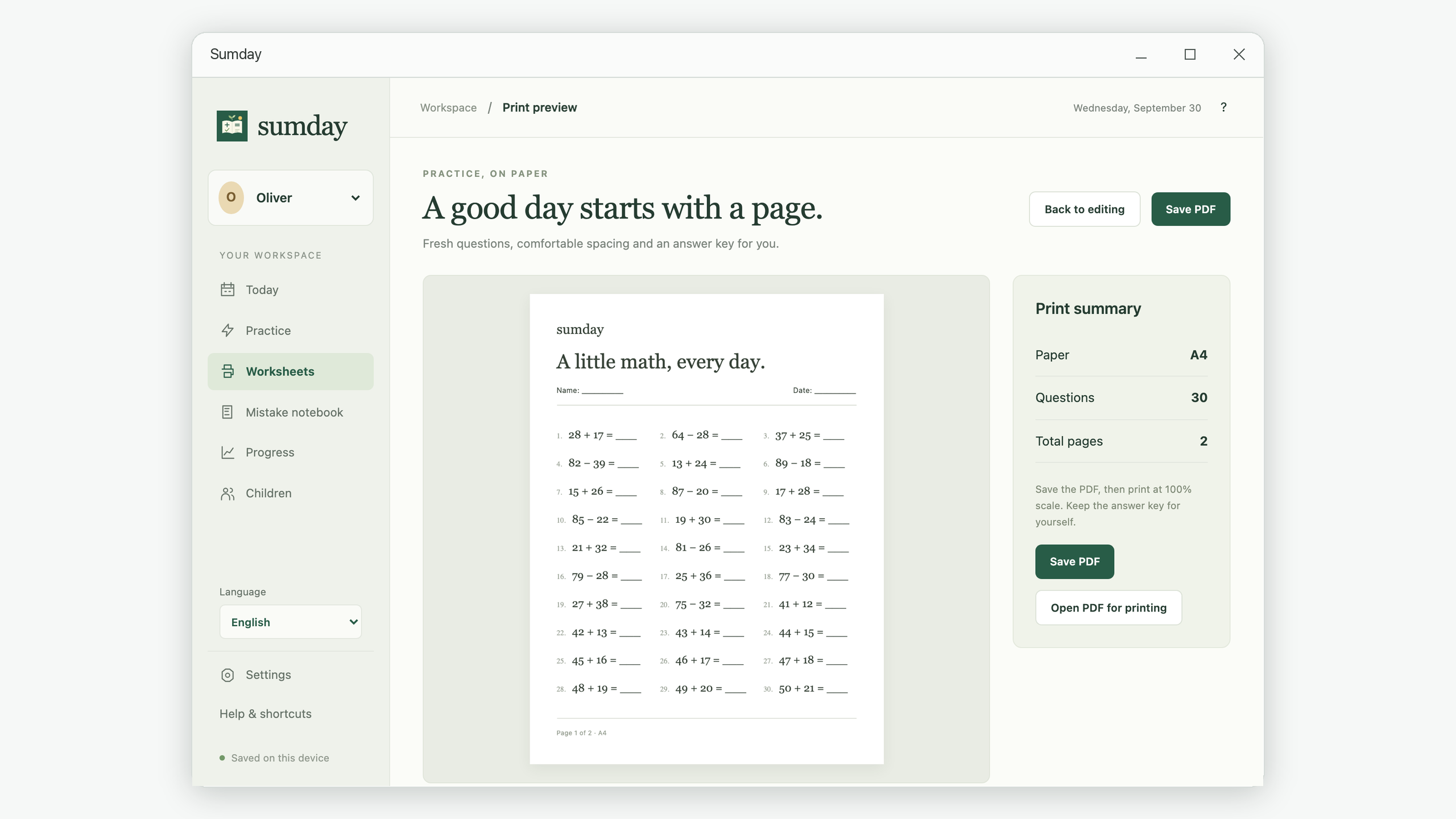
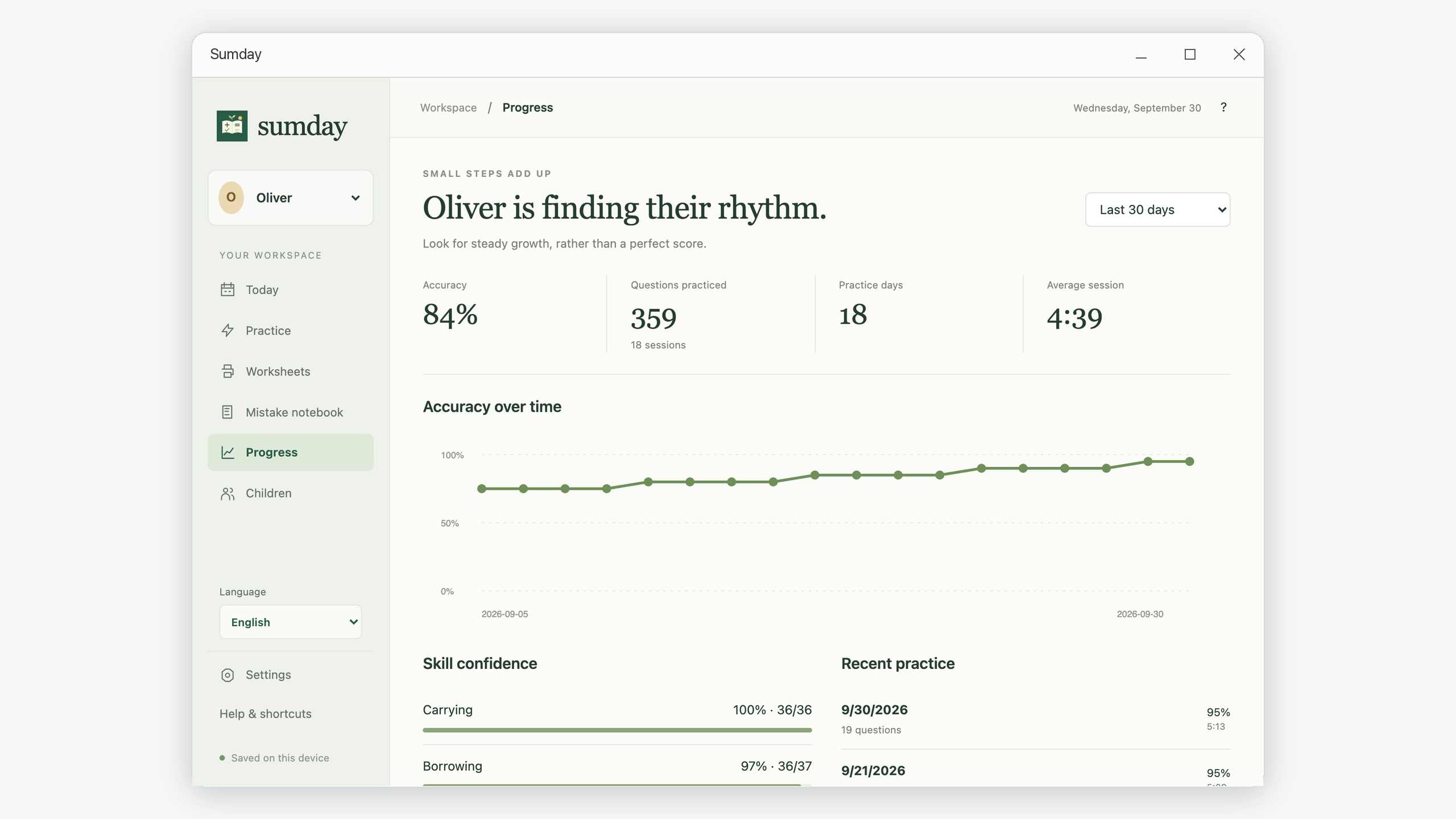
One family workspace connects screen practice, paper worksheets, and the little lessons hidden in mistakes.
Explore six arithmetic question types. Adjust the range, carrying, borrowing, times tables, and question count.
Answer one question at a time with a keyboard or keypad. Pause anytime and resume with progress saved.
Revisit missed questions with fresh practice. Two correct answers in separate sessions mark a question mastered.
Preview A4 or US Letter worksheets, then save a PDF with a separate answer key. Large print offers extra room.
Follow accuracy, skill confidence, and practice days. Stars celebrate completion and effort.
Keep separate profiles and histories for each child. Nine languages, local backups, and accessible preferences help make it yours.
Choose a name, school grade, and a comfortable daily practice goal.
Pick the exercises and amount of practice. Start on screen or generate a worksheet.
Review mistakes, notice progress, and build a little confidence every day.
Worked examples and step-by-step guides for the moments when you want to make practice more focused.
Browse all math practice guides →Create addition and subtraction worksheets without carrying or borrowing, add a separate answer key, and print a readable A4 or US Letter PDF.
Read the guide →Work through 64 minus 28, separate a one-off slip from a repeated borrowing mistake, and build a small review routine with a math mistake notebook.
Read the guide →Set up a focused multiplication session, connect it to exact division, and use a short practice plan for the 6, 7, or 8 times table.
Read the guide →Keep separate math practice profiles, interpret accuracy and skipped questions correctly, and use a weekly family check-in with local backups.
Read the guide →No. Create local child profiles and start practicing.
Yes. Practice, worksheets, progress, and backups work without an internet connection. Store and support links open external services when you choose them.
Profiles, answers, and histories stay on this device. Sumday does not upload them or provide cloud synchronization.
Yes. Each child has a separate practice history, mistake notebook, and daily goal.
Addition, subtraction, multiplication, division, same-denominator fractions, and written column arithmetic.
Missed and skipped questions enter the notebook. Correct answers in two separate sessions mark a question mastered.
Save an A4 or US Letter PDF and open it with your usual viewer to print. Answer keys are on separate pages.
Export a local backup, keep it somewhere safe, and import it on another device. You can merge data or replace local records.
The Store edition is for supported Windows 10 and Windows 11 computers with the Microsoft Edge WebView2 runtime.
Email support@iamdev.me with your question or suggestion.
Your next small step starts with Sumday.